About
The free SVG editor that runs entirely in your browser
svg by garagemade is a fast, private, no-signup tool for developers and designers. Recolor, resize, move, optimize and export SVG — and generate a complete favicon and app-icon pack — without uploading a single file. Everything happens on your device.
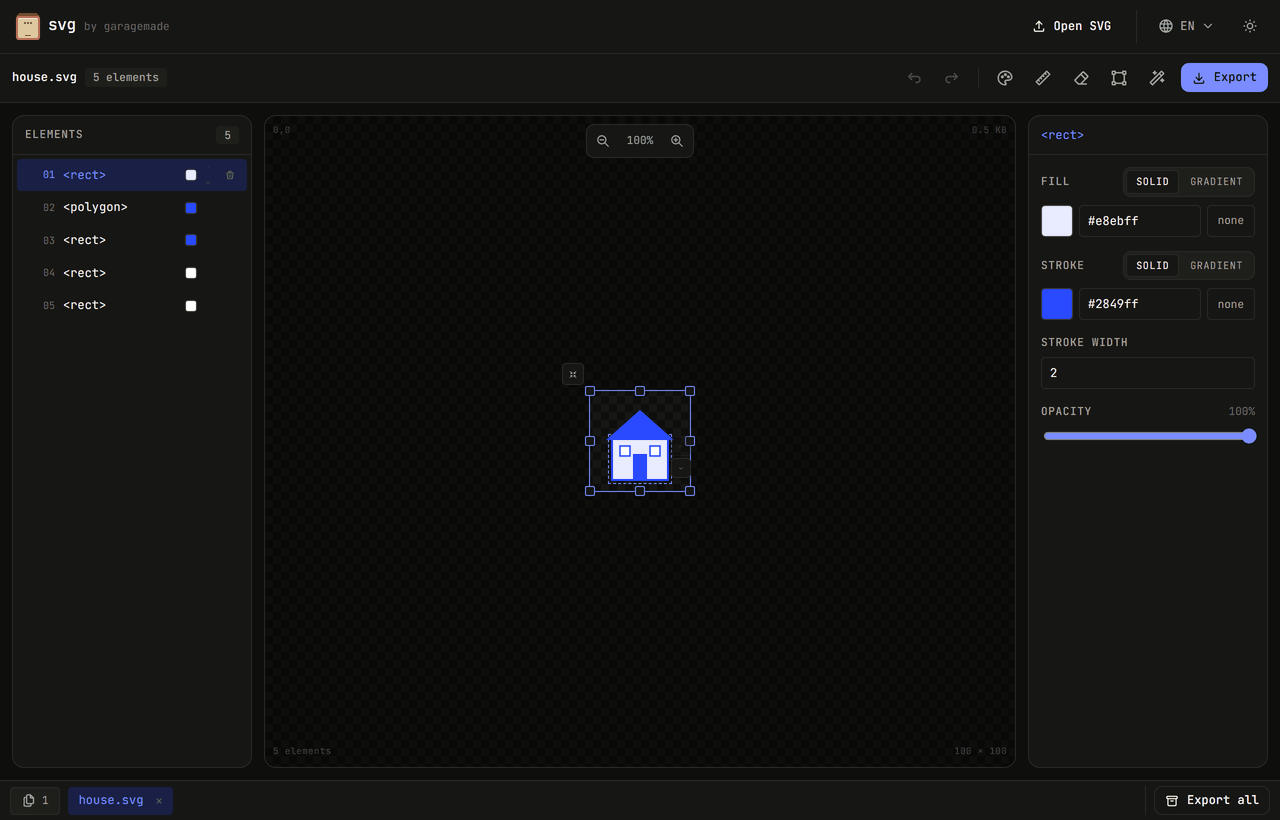
Edit every detail, element by element
Select any shape on the canvas or in the element tree and change its fill, stroke, stroke width and opacity. Switch any fill or stroke from a solid color to a linear or radial gradient with as many color stops as you need. Every change is undoable.
- Per-element fill, stroke, stroke width and opacity
- Linear & radial gradients with multiple stops and angle
- Click-to-select synced between the canvas and the element list
Move and align with smart guides
Drag any element directly on the canvas to reposition it. Alignment guides snap it to the canvas center and edges and to the other shapes around it, so everything lines up without guesswork. Hold Alt to move freely; drag an empty area to pan, and zoom with the on-canvas controls.
The toolbar: one-click operations
Every tool in the toolbar turns a tedious edit into a single click — and each one is fully undoable.
Undo & redo
Step backward and forward through every edit; each file keeps its own history.
Recolor all
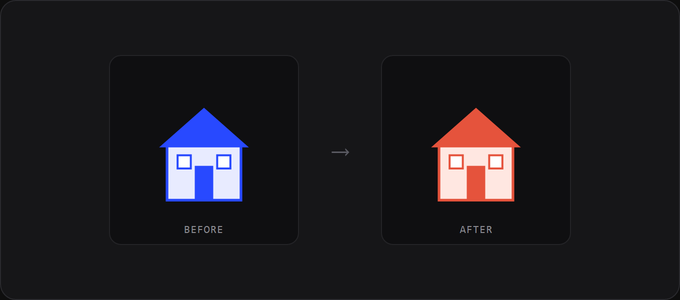
Remap every color in the file at once, or change one at a time.
Resize
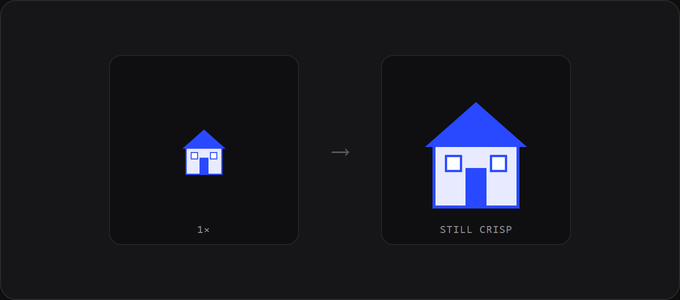
Change dimensions losslessly — the viewBox is preserved, so paths never degrade.
Remove background
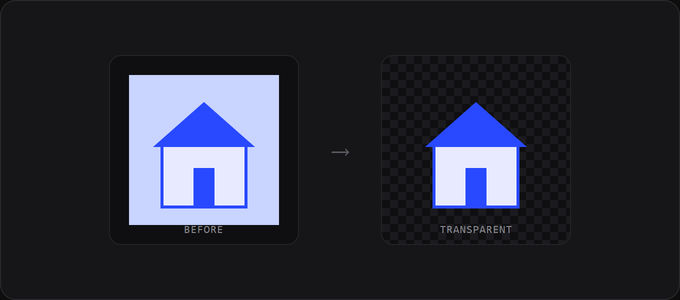
Drop a solid background layer so the artwork sits on transparency.
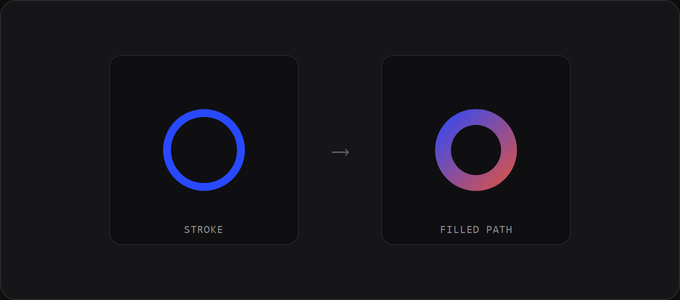
Outline stroke
Convert strokes to filled paths so lines keep their weight at any scale.
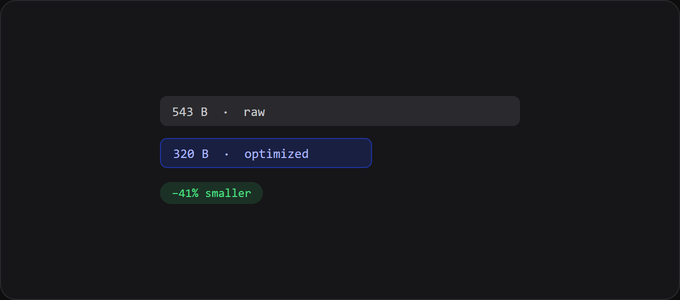
Optimize
Run real SVGO to strip metadata and round paths for smaller, cleaner files.
Favicon & app-icon generator
Turn one SVG into every icon a project needs. Pick the sets you want and download a ready-to-ship ZIP — complete with a site.webmanifest, a browser-extension manifest snippet, and a copy-paste <head> block. Icons are generated from every open file at once.
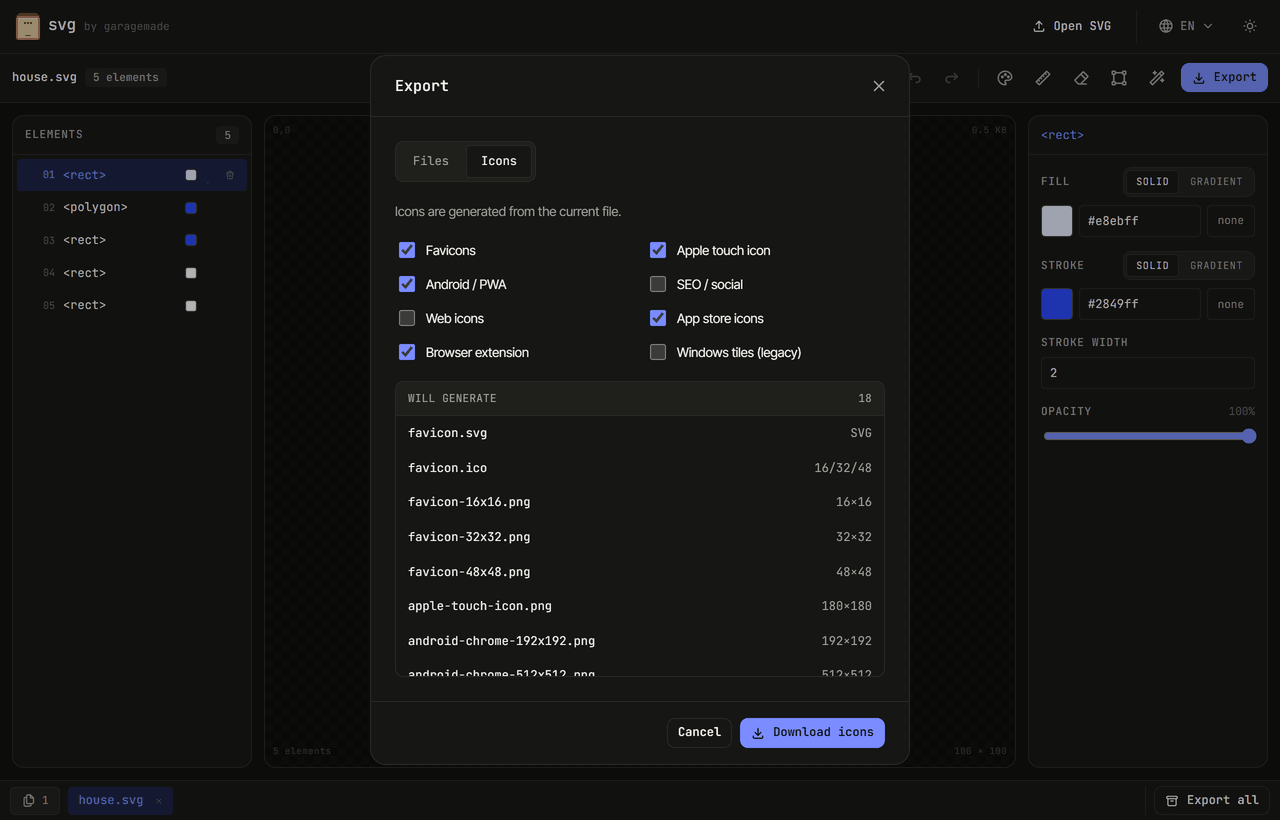
- Favicons — favicon.svg, favicon.ico and 16/32/48 PNGs
- Apple touch — the modern single 180×180 icon
- Android / PWA — 192/512 + maskable, with a complete web app manifest
- SEO / social — Open Graph 1200×630 and a GitHub 1280×640 preview
- App store — iOS 1024 (opaque) and Google Play 512
- Browser extension — 16/32/48/128 PNGs + a Manifest V3 snippet
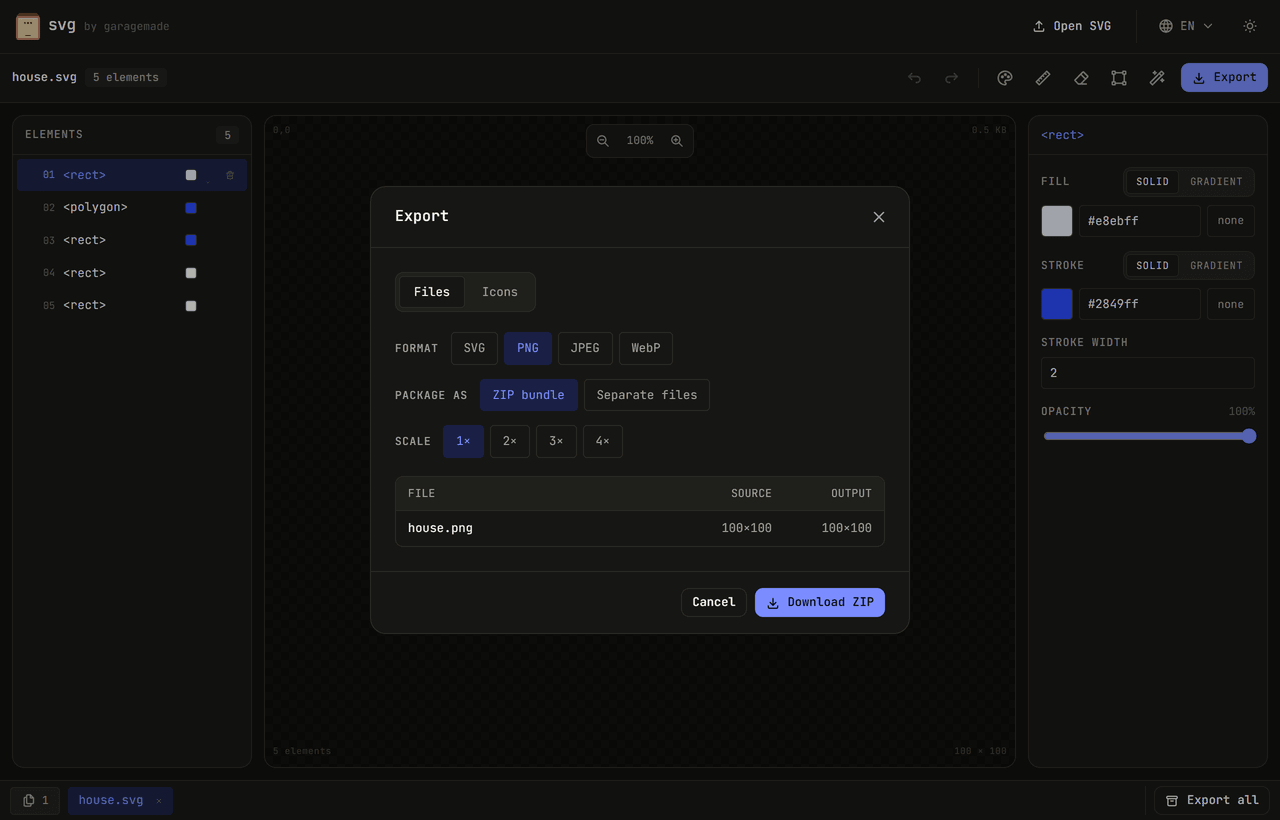
Export to SVG, PNG, JPEG or WebP
Export a clean, optimized SVG, or rasterize to PNG, JPEG or WebP at 1× to 4× the source size — with a background color for JPEG. Grab a single file, or bundle every open document into one ZIP.
Private by design, free forever
There is no account, no upload and no watermark. Your SVGs are parsed and edited in your browser using the same engine that renders them — they never touch a server. Open up to 50 files as tabs, and your work is even restored after a refresh.
- 100% client-side — nothing is uploaded
- No signup, no paywall, no watermark
- Undo / redo and session restore
- Works in any modern browser
A complete SVG toolkit for developers and designers
Looking for a free online SVG editor to recolor a logo, resize an icon, convert SVG to PNG, or build a favicon pack without installing Illustrator or Inkscape? svg by garagemade does all of it in the browser. Edit vector paths, adjust gradients, remove a background, optimize with SVGO, outline strokes, and export to SVG, PNG, JPEG or WebP — then generate favicons, PWA icons, App Store and Google Play icons, social preview images, and browser-extension icons from the same source file.
Because everything runs locally, it is a genuinely private alternative to upload-based converters: your files never leave your machine. It is free, needs no signup, and is built for the quick, everyday SVG tasks that otherwise mean opening a heavy design app.